
Creative Ways to Use a Canva Ticket Template
Ideas that go wayyy beyond events!
There’s something about the versatility of a good ol’ Canva ticket template that gets me excited.
When you start playing around with them, it’s not just a ticket anymore… it becomes a story, a hook, and a whole piece of social media content people like to read.
If you’ve ever felt stuck staring at a blank Canva template, this might just be the easiest way to creating something that feels different without overthinking it!
Read on for some quick ideas to create a ticket-style post that’ll make people pause.
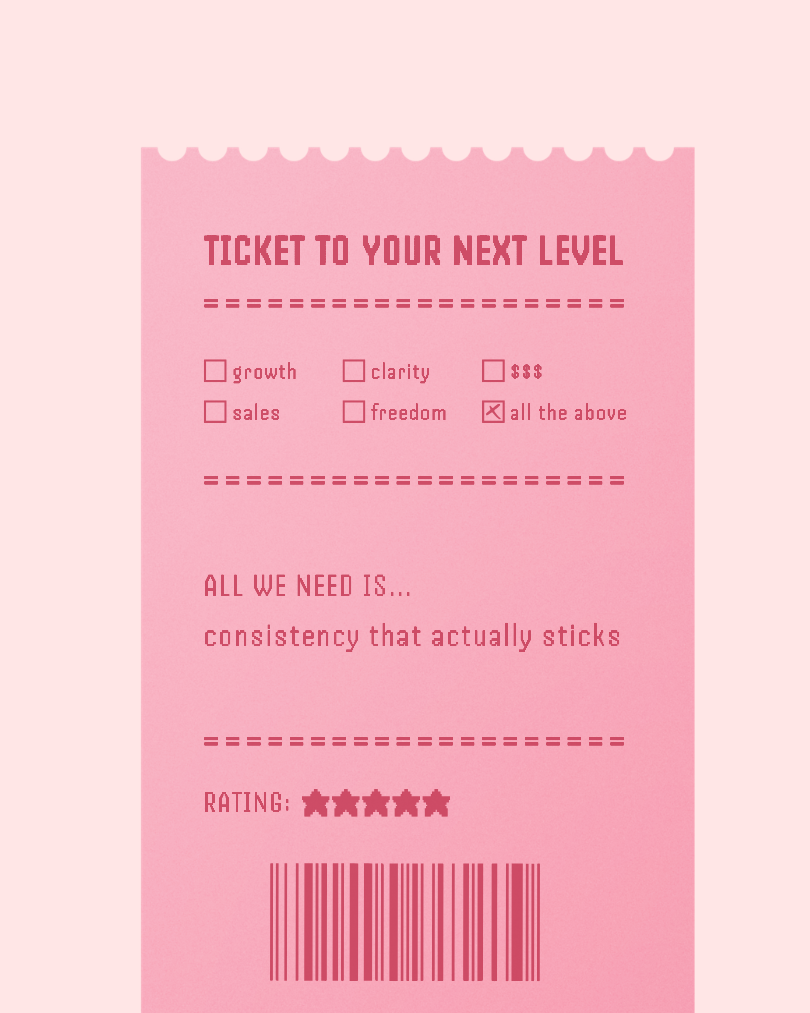
The template I used for this? It's the Ticket Receipt Instagram Template — the checkboxes and rating system are already built in, so you're just swapping the words and posting.
Idea #1: Turn it into a story
Instead of thinking:
What should my ticket look like?
Think this instead:
What experience am I creating?
For example, using the template above, highlight some pain points with a lil’ humor:
Title: your ticket to burnout
Checkboxes: saying yes / no boundaries / doing everything / no rest / no system / all the above
Body Copy: how we got here… by ignoring our own red flags
Rating: ★☆☆☆☆
or, go in the opposite direction with something inspiring (great for coaches or launching a course!):
Title: ticket to your next dream client
Checkboxes: no red flags / clear scope / good vibes / paid on time / respect / all the above
Body Copy: all we need is… to stop saying yes to the wrong ones
Rating: ★★★★★
Can you see already that various ways you can bring it to life? Now it’s not just a graphic, but a moment your audience recognizes.
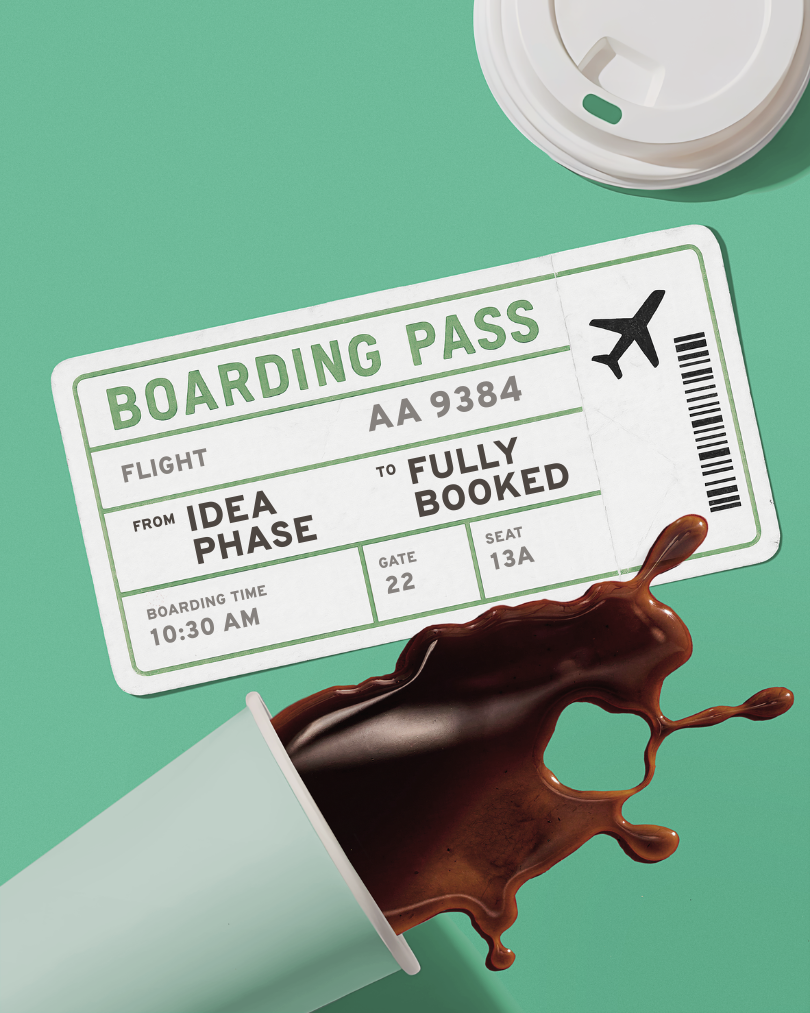
The Boarding Pass Canva Template is already set up with the From/To format — all you have to do is fill in your own journey and it's ready to post.
Idea #2: Use it to show transformation
Everyone loves a classic boarding pass vibe—so why not use it to visually show your own journey? Here’s some examples you can use… tweak them to make ‘em your own:
From: idea phase
To: fully booked
From: motivated at 9am
To: questioning everything by 2pm
From: stuck
To: finally moving
From: delusional confidence
To: somehow it worked
This works so well for:
launches
client/personal journeys
before/after transformations
It instantly communicates progress without needing a long caption.

This one works especially well as a Reel — the Movie Ticket Animated Instagram Reel Template is already animated, so all you have to do is swap out the text and it's ready to post.
Idea #3: Turn it into a mini-experience
If you want something that feels instantly fun, liftable, and scroll-stopping… try this!
Instead of repeating the same phrase over and over, think of each ticket as its own little moment that fuels a theme.A different entry point, but the same story.
For example:
Good for: a slow morning
Good for: doing absolutely nothing
Good for: romanticizing your life
Or,
Claim your: shift in perspective
Admit one: hard truth
Valid for: everything that comes next
See how each one feels slightly different? That’s what makes people stop and read all of them.
You can mix and match phrases like:
Admit one
Redeem for
Valid for
Access grant
Permission slip
Claim your
And suddenly, your content feels more intentional, and wayyy more interesting.
This style works especially well for:
relatable content
Instagram reels
giveaways or offers
personality-driven brands
Just start with a theme that you’ll know your audience will connect with! I know, it sounds super simple, but it works: create a collection of experiences your audience can see themselves in.
Want to Skip the Blank Canvas?
If you'd rather start with the ticket format already built in, these templates were basically made for everything we just covered. Open in Canva, swap your text, and you've got a scroll-stopping post ready in minutes. Each one is $9 and opens directly in Canva. 👉 Browse all ticket templates in the shop

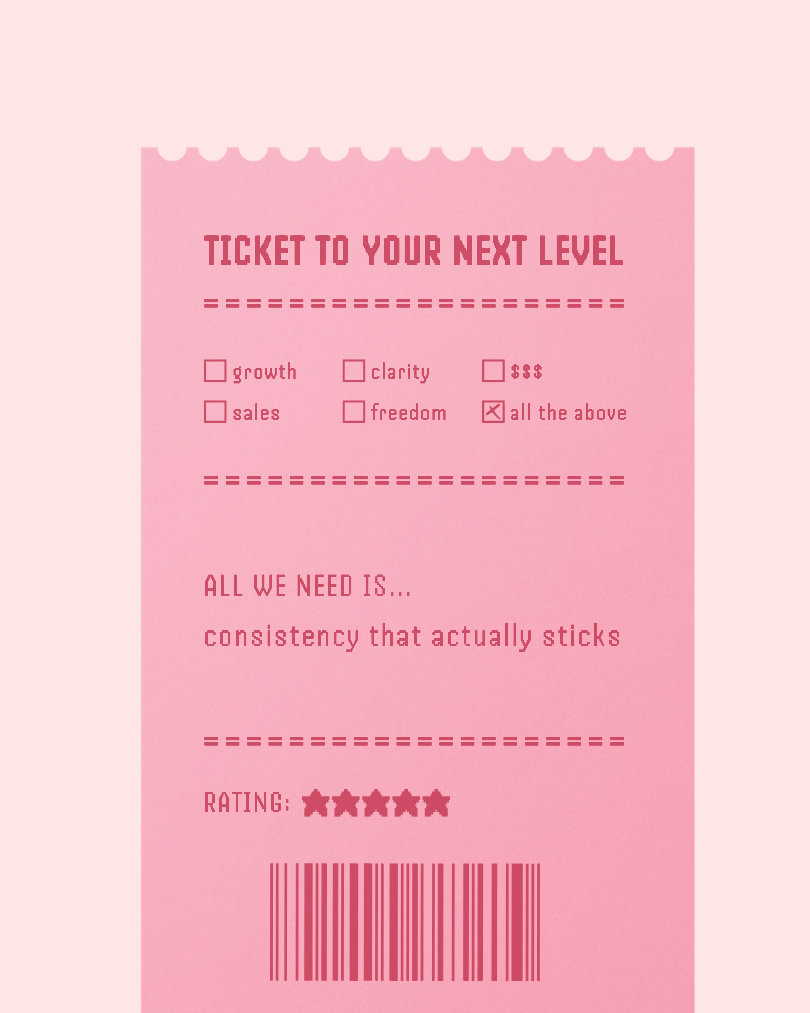
Ready to try it yourself?
If you’re already thinking of ideas, don’t lose the momentum! Use the templates I used here and turn them into your next post in minutes.
All three templates are in the shop — grab just the one you need, or browse the full ticket collection here.

The post that makes people go "wait, same."
Getting people to stop and actually read your post is harder than it's ever been.
This makes it easy. Because nobody expects to see a boarding pass in their feed — and once they read where it's going, they're already laughing and tagging someone.
Works for relatable humor, mindset shifts, client wins, before and afters… anything with a from/to story to tell.
What you get: professionally shot Canva template · 4:5 ratio · instant download · full customization · commercial use included
Your story deserves a first class seat.