Apple Watch Mockup Canva Template: A Better Way to Showcase Ideas
Most Apple Watch mockups are made for designers. This one is made for ideas :)
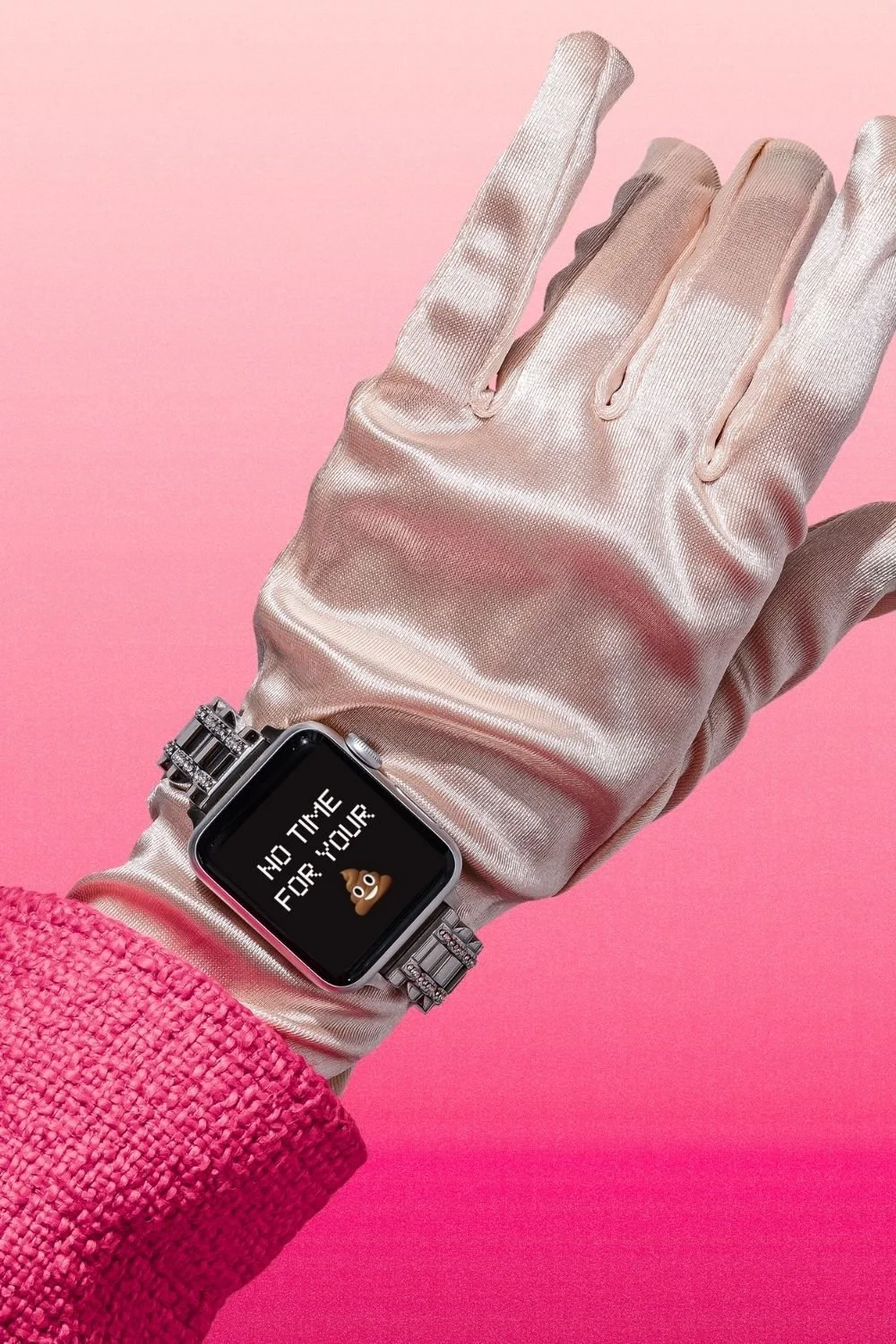
If you landed here (Thank youuu, Google), I’m guessing you were searching for an Apple Watch mockup!
Probably to:
showcase an app
present a UI
or make an idea/concept look real
And yes—this Canva template can do that!
Buuut I made it for a slightly different reason.
Because not everyone needs a mockup to present a product… some of us just want our content to feel like it exists in the real world.
Why use Apple Watch mockups in the first place?
There’s a reason this search keeps trending.
An Apple Watch mockup instantly makes something feel modern, contextual, polished, and even relatable. I mean, a good percentage of us are constantly peeking down at our wrists everyday… so why not tap into that phenomenon?
Instead of a design floating in nothingness, your message becomes something you’d actually glance at during your day.
That’s why designers use them in portfolios.
But that same approach works really well for content too!

An Apple Watch you can make in, like, two seconds 💁♀️
Sorry, my inner West Village girl came out there.
So, because I’m a designer who has spent a big portion of her career in Photoshop, I know that most Apple Watch mockups are therefore built in Photoshop.
And they look really good.
But they also come with layers, smart objects, resizing, exporting… aka: a whole process.
You can use Photoshop for mockups. But if you just want to change the text and move on with your life… this is a lot easier!
I built it in Canva, so you can click in, type your idea, and have something that’s unique + polished in seconds. You can easily move the elements around to really customize it to your needs.
If you are a designer, this still works beautifully for:
app concept previews
notification UI ideas
wearable product concepts
client presentations
…without all the faffing (is that how my British friends use that word?).
You can use Photoshop for mockups… but if you just want to change the text and move on with your life faster, Canva is a lot easier!
Some of the best ways to use it:
This is the part most soulless mockups completely miss. You’re not just using it to showcase something, but instead you’re using it as a content tool.
Because the Apple Watch format is perfect for short, glanceable ideas, like:
reminders
one-liners
quick thoughts
subtle promotions
It turns your content into something that feels personal, relatable, and actually worth pausing on.
And if you’re not designing an app specifically, here is where it really shines:
Quick reminders
“log off. go outside.”
“you don’t need to post today”
“drink water + reset”
Creator / business nudges
“post it anyway”
“consistency > perfection”
“done is better than perfect”
Slightly unhinged (my personal favorite category)
“ain’t no time for that”
“srsly, protect your peace”
“this meeting could’ve been an email”
Soft promo ideas
“new drop →”
“[product] available now”
“link in bio” (put this at the end of your next carousel post!)
The shorter, the better!
Think: something someone could read in a second and feel immediately.
And if you want that same energy across more of your content, the Hands Holding Laptop Mockup works the same way — click in, swap your text or screenshot, done. Great for showing off websites, portfolios, or any idea that needs a little more screen real estate.
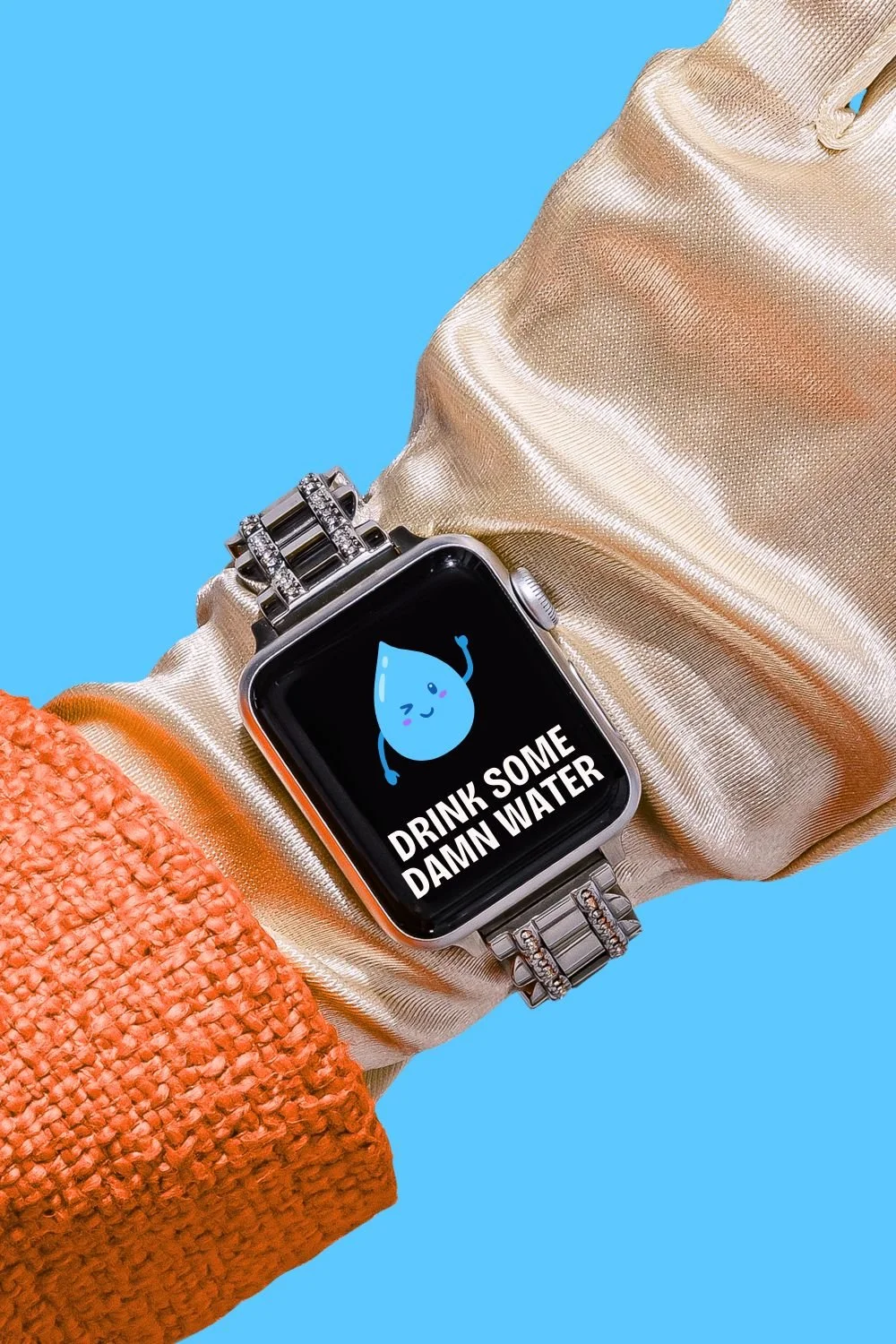
How to edit it in Canva:
Just download the link to open it in Canva, add your own text/styling, then download it. That’s really it. If you’re really stumped, here’s a helpful guide of my favorite Canva shortcuts to get you started!
Where does it work best?
Glad you asked! ;) because you can use this across your entire content ecosystem:
Instagram posts + carousels
Pinterest pins
Reel covers
Email graphics
Website visuals
Literally, the sky is your limit. It’s one of those formats that feels elevated without trying too hard.
If you want a slightly more unexpected take on the same concept, the Vintage Computer Template is another favorite — same idea, different vibe. Perfect if your brand leans a little more retro or nostalgic.
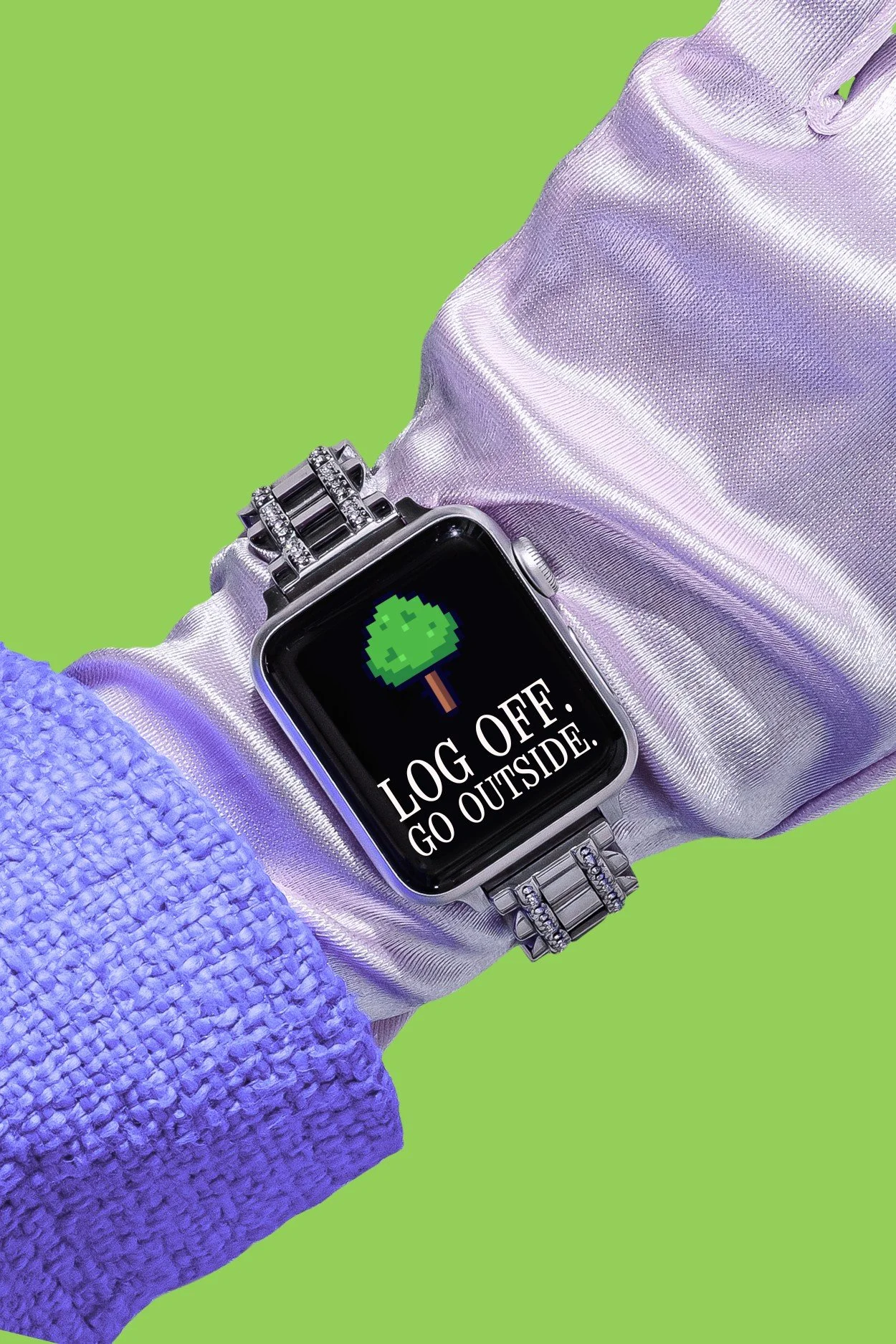
If your posts aren’t landing, the issue isn’t your ideas…
…it’s how they’re being framed. Your ideas are solid! Now we just need to show them in a way that makes people pause.
We scroll fast. Too fast actually! So your content needs something that makes it feel real, quick, and worth a second look.
It’s not that your ideas aren’t good… it’s that they’re not being framed in a way that makes people pause.
If you want a whole set of Apple device templates to rotate through, the Tech Collection has 10 drag-and-drop mockups in one — and it's $19 for all of them.
Ready to use it?
If you came here looking for an Apple Watch mockup, this gives you everything you need in a way you can actually use.
Not just to present ideas, but to share them! :)
👉 Grab the Apple Watch Mockup Template here — open it in Canva, swap your text, and you've got something worth posting in minutes.
YOUR TURN: So now I have to ask… what would you put on your watch screen first? Comment it below!