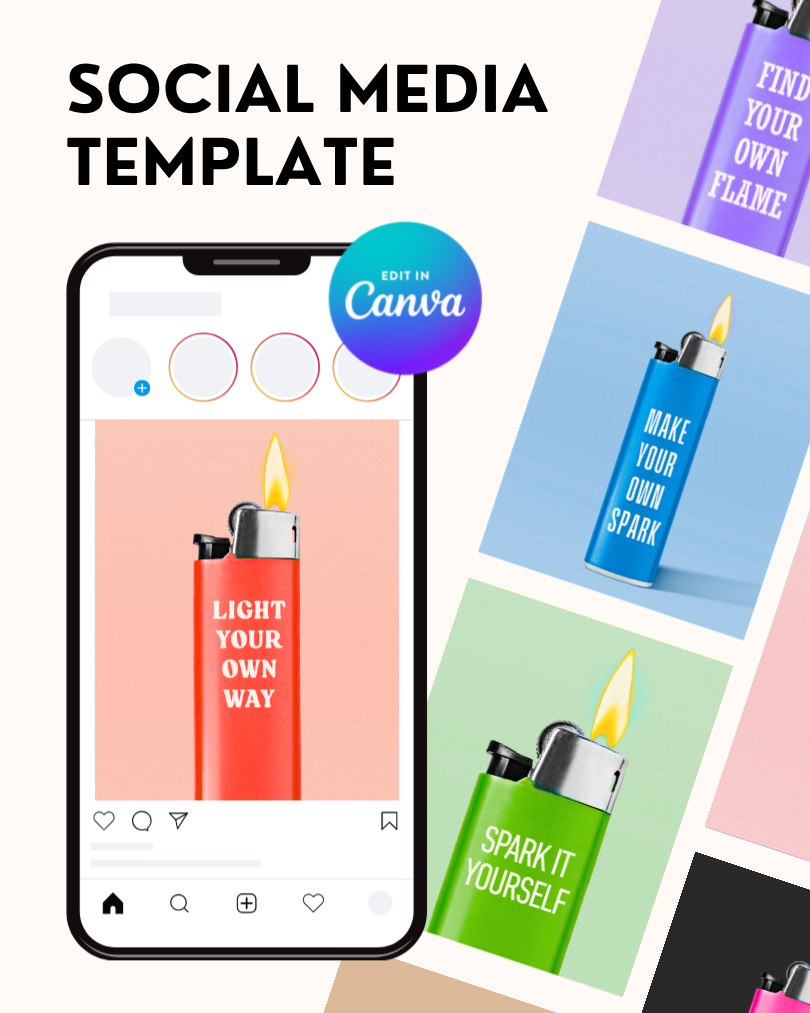
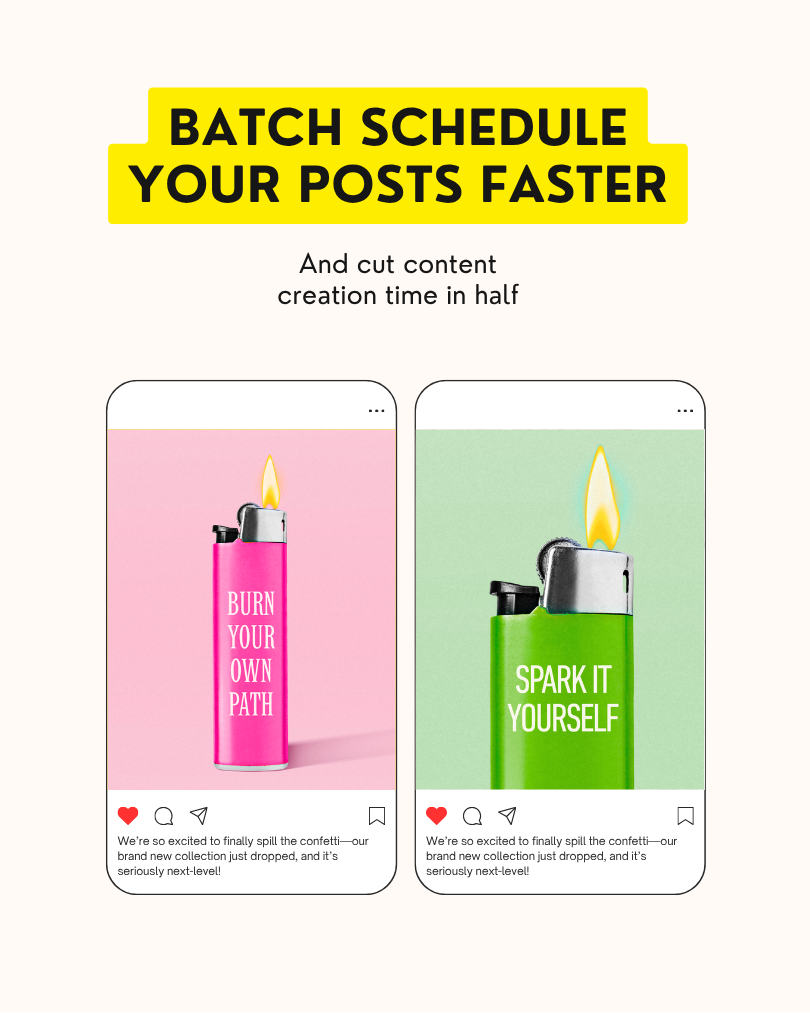
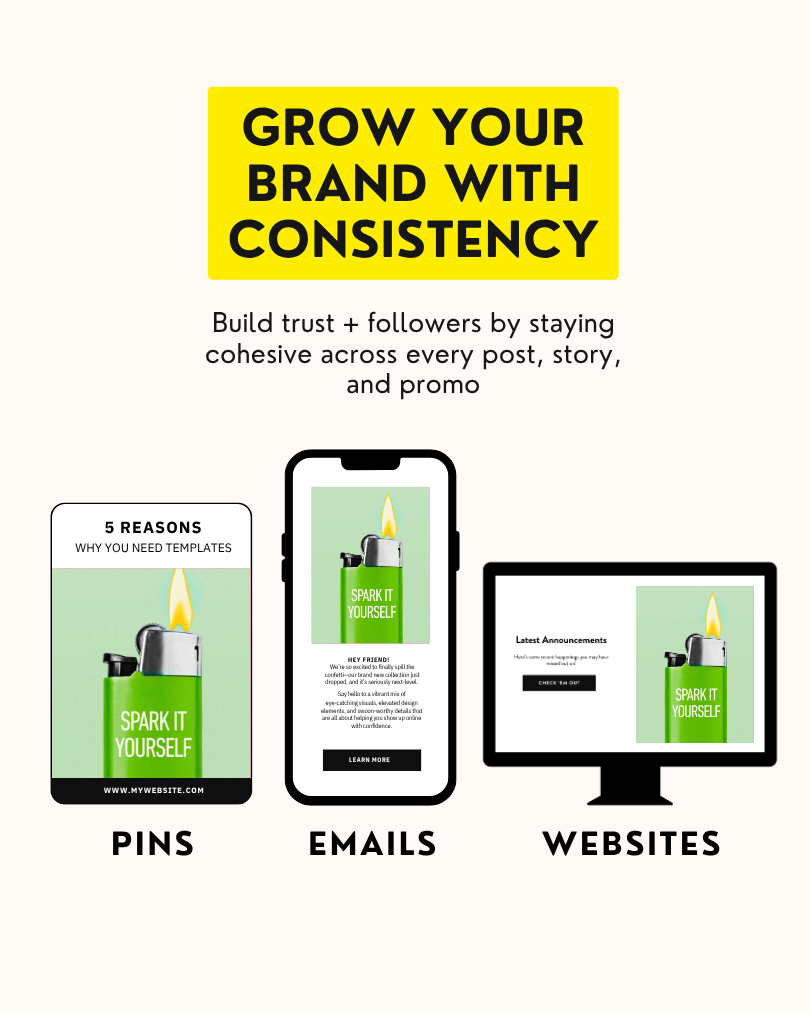
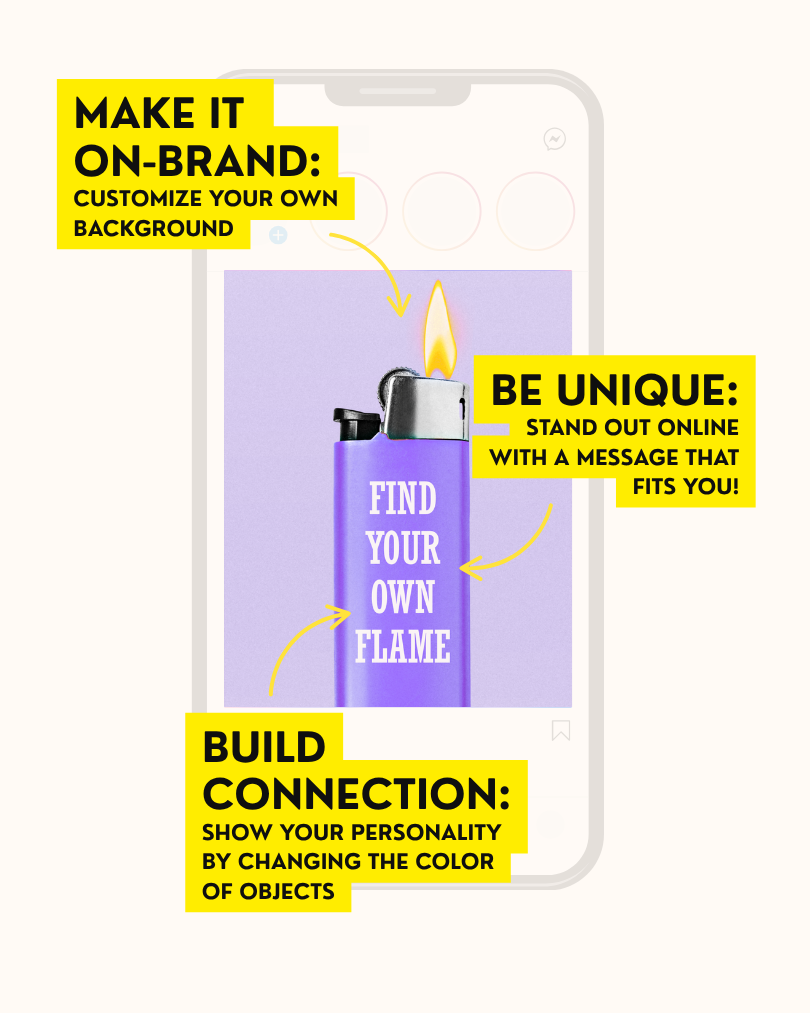
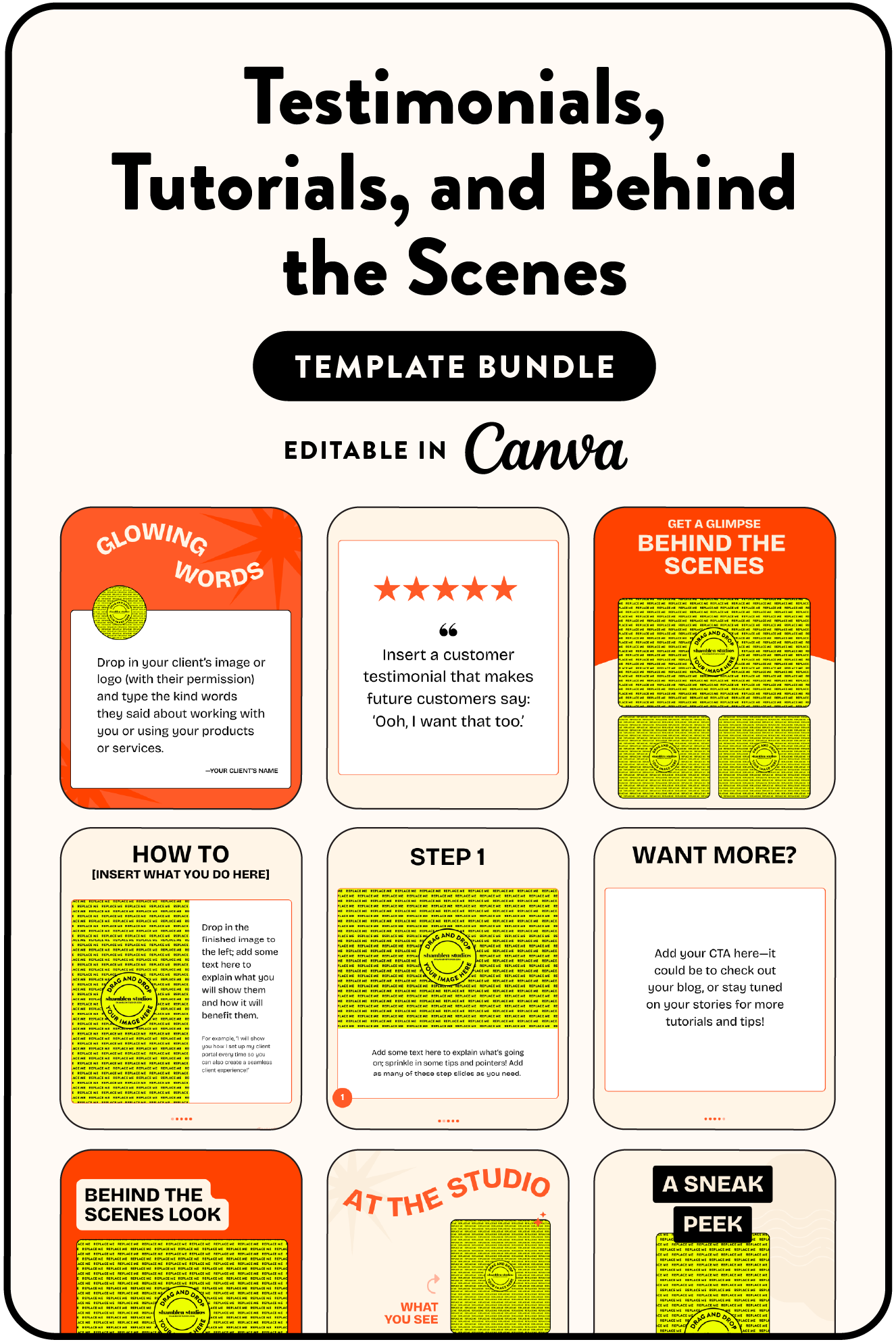
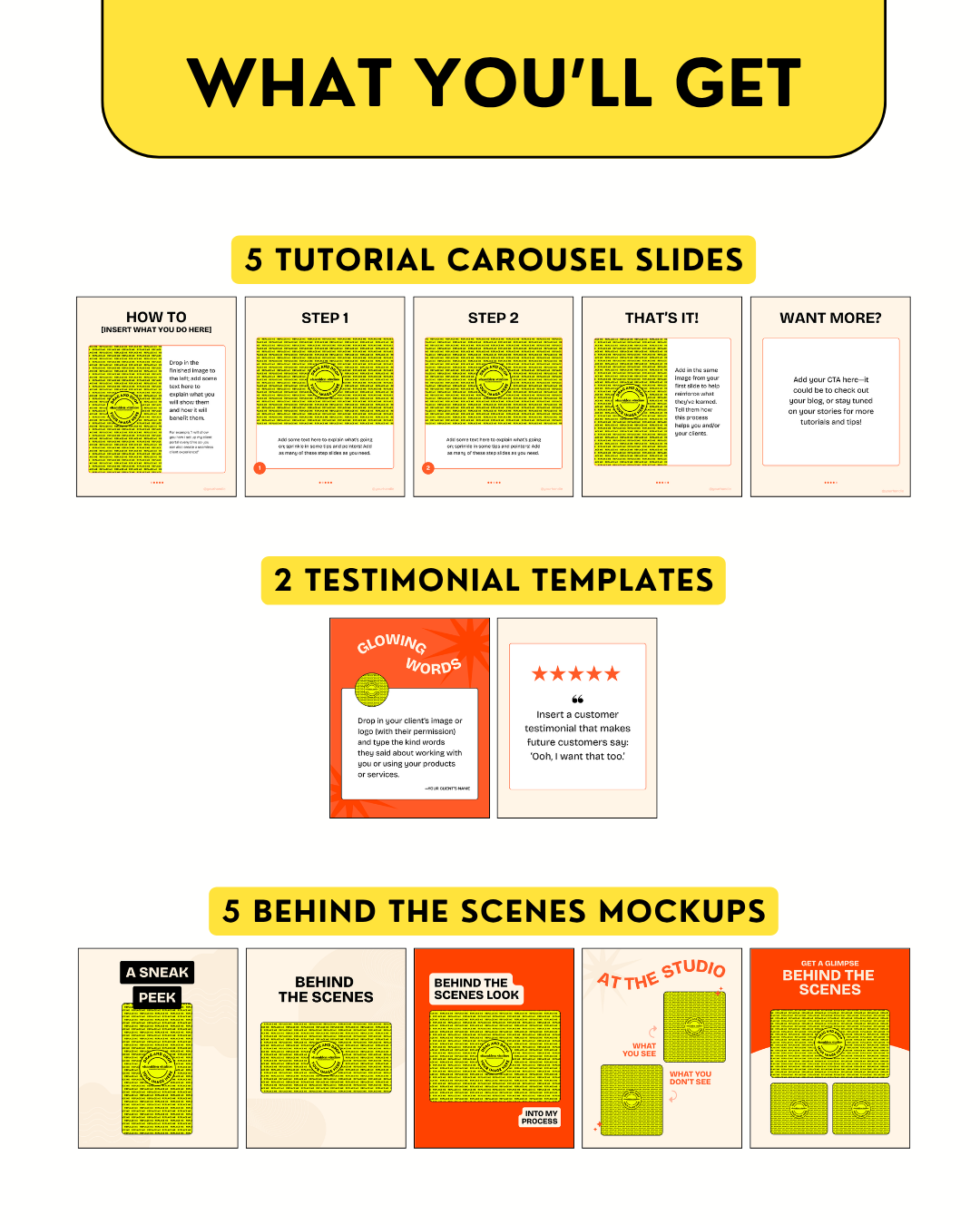
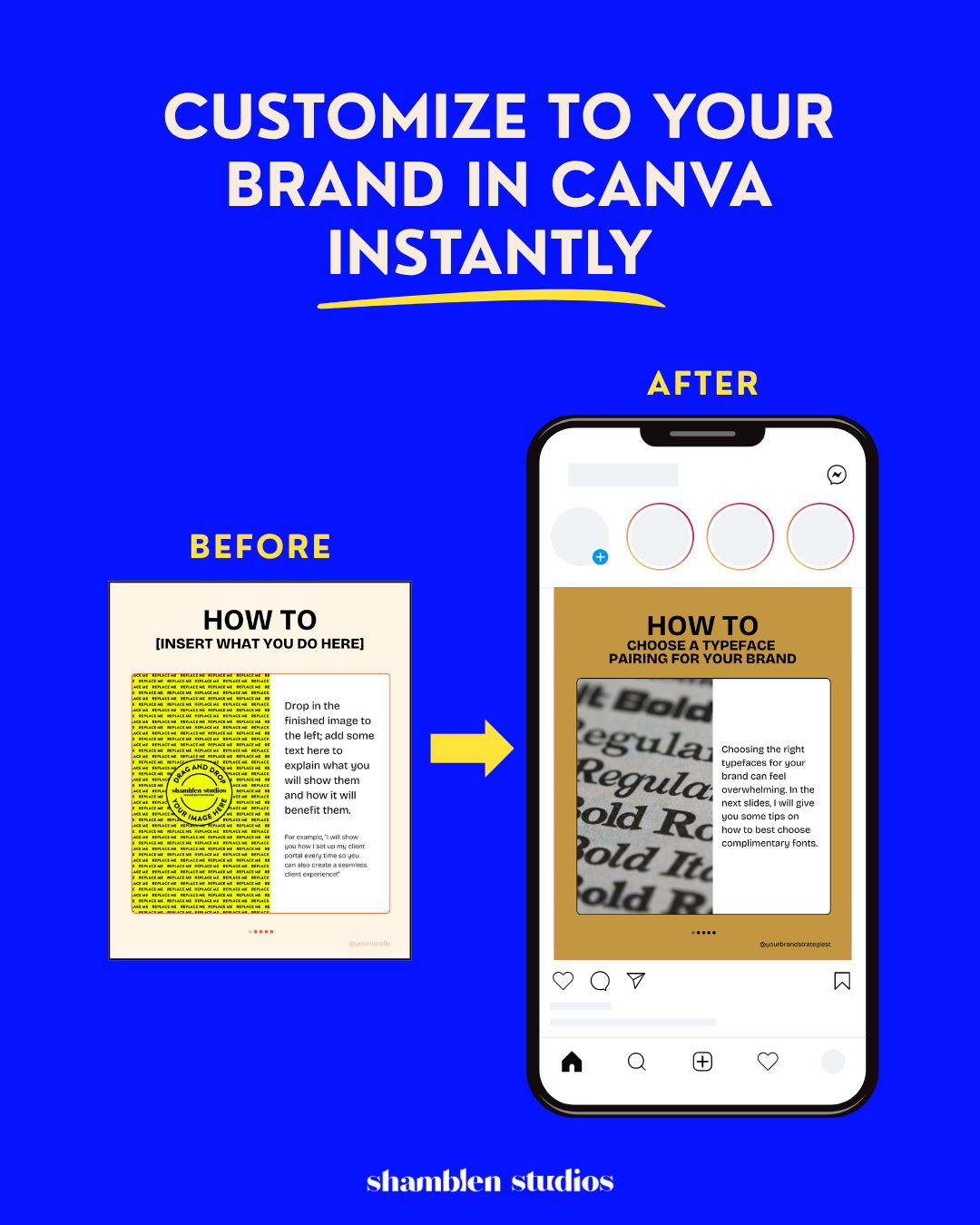
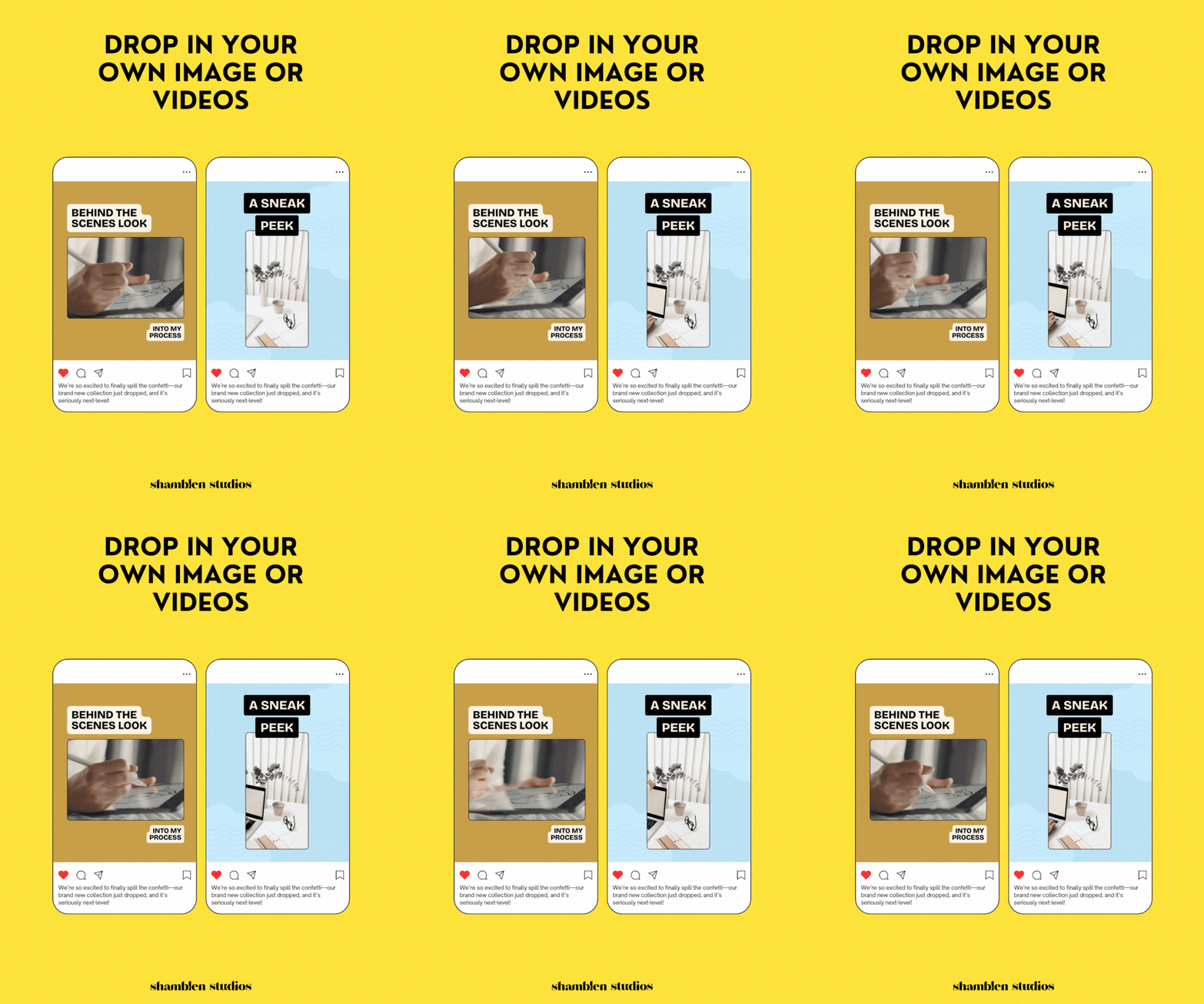
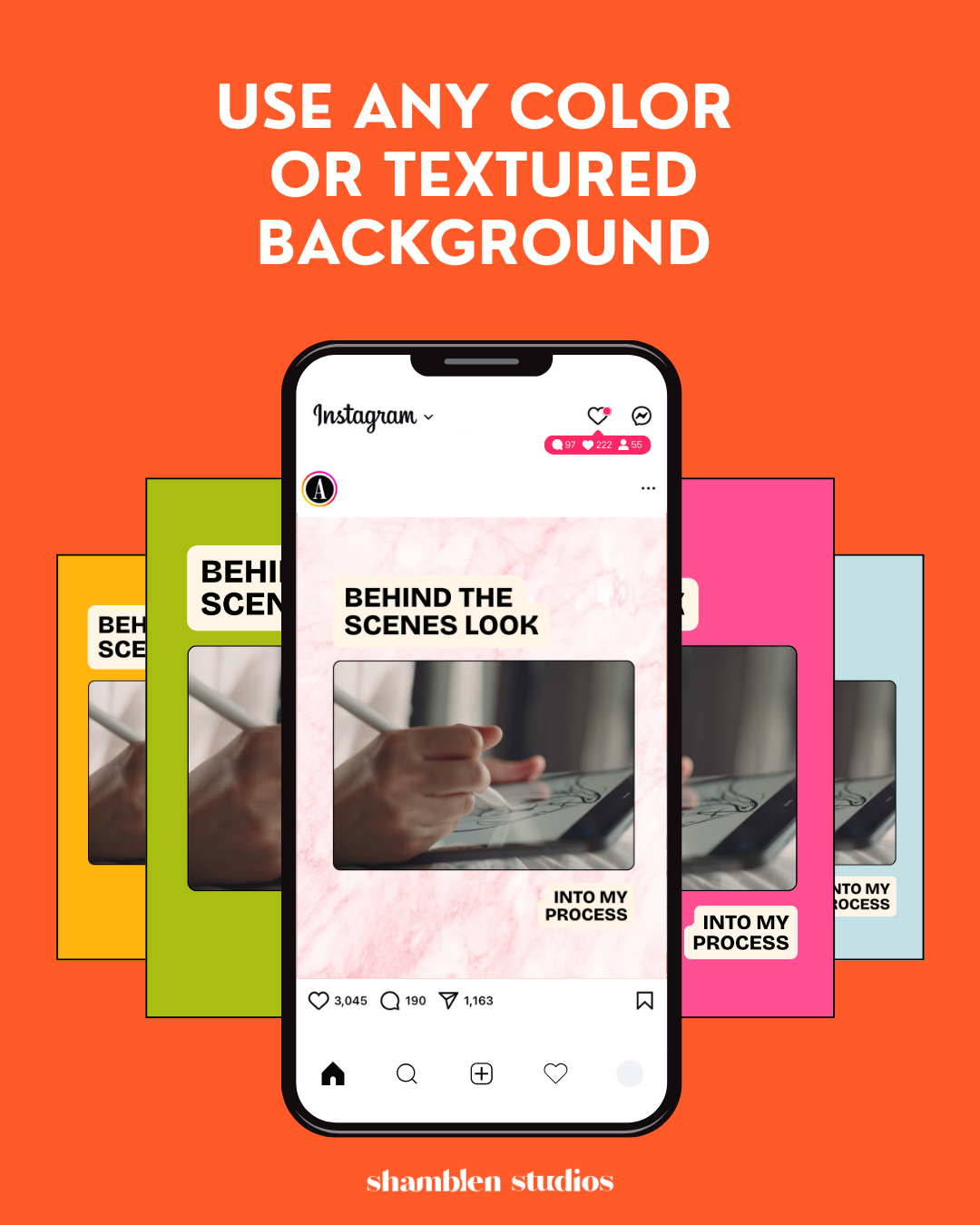
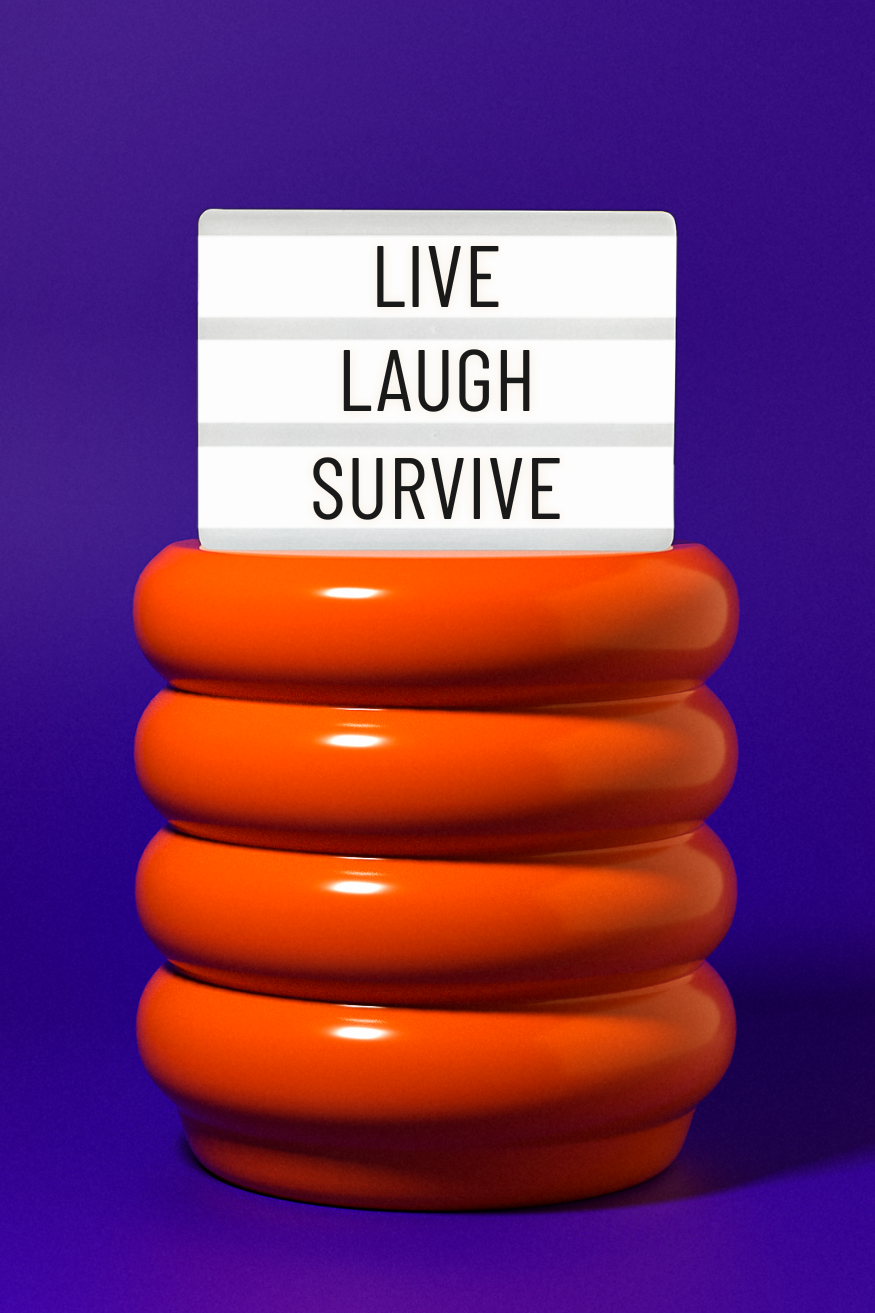
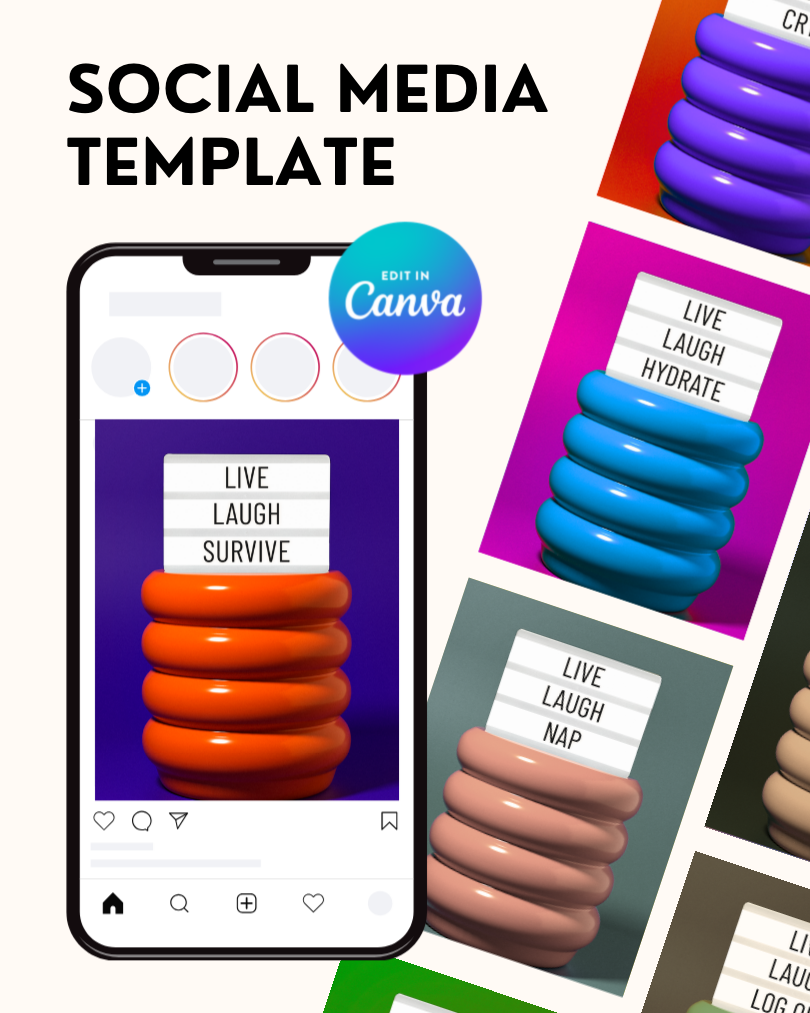
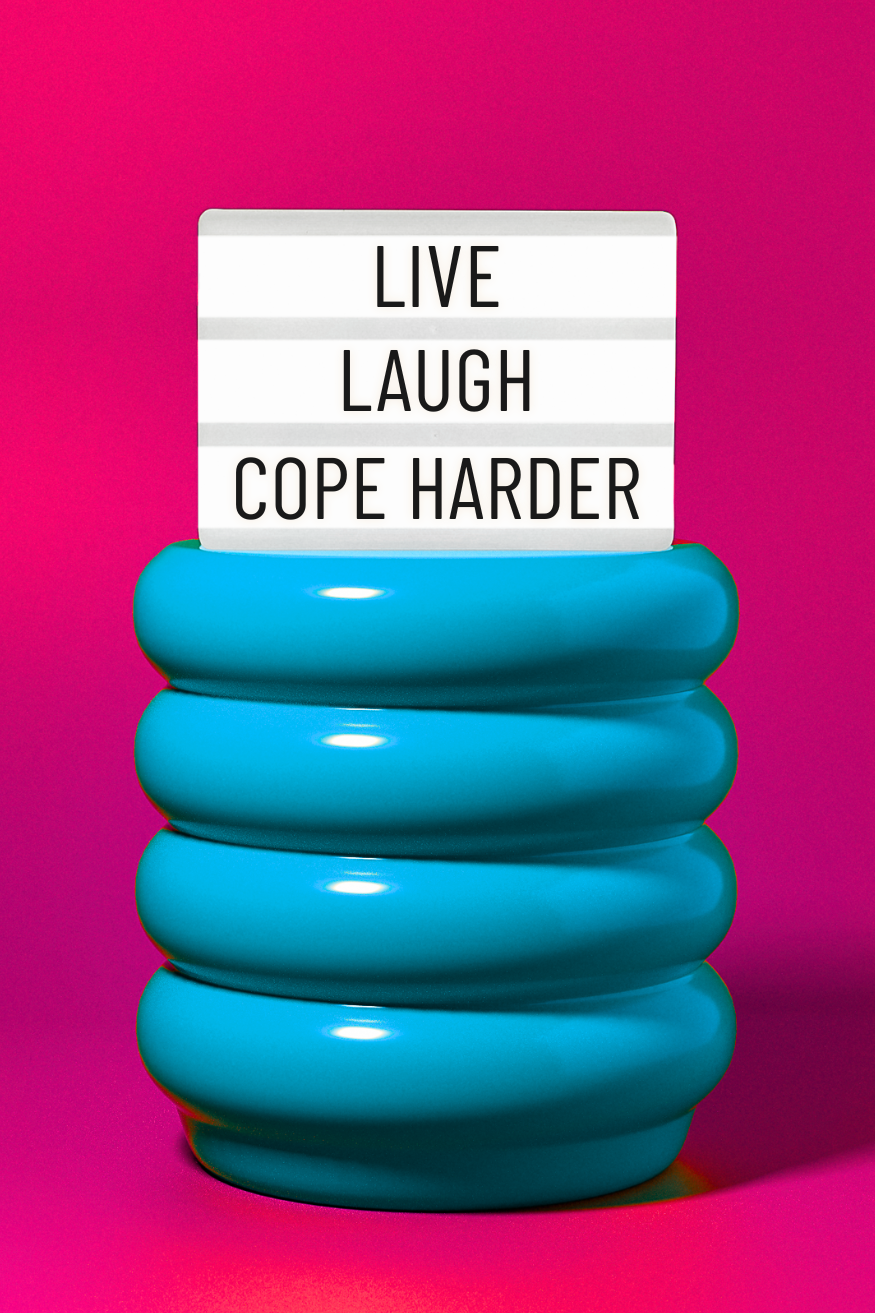
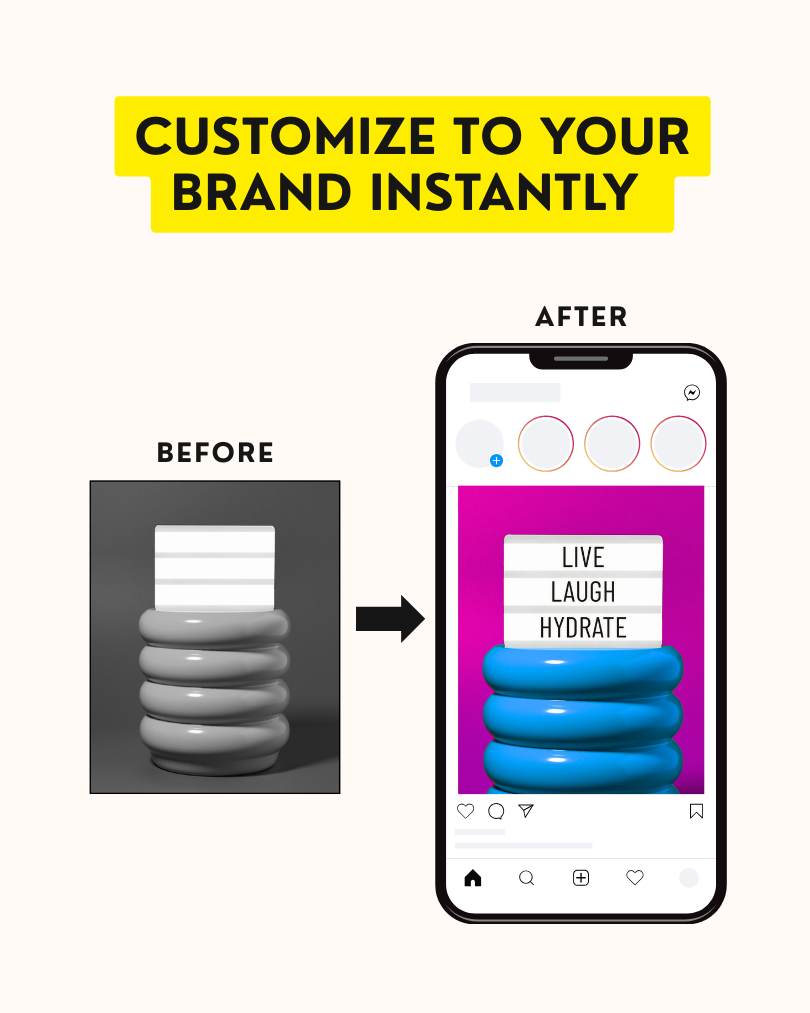
 Image 1 of 8
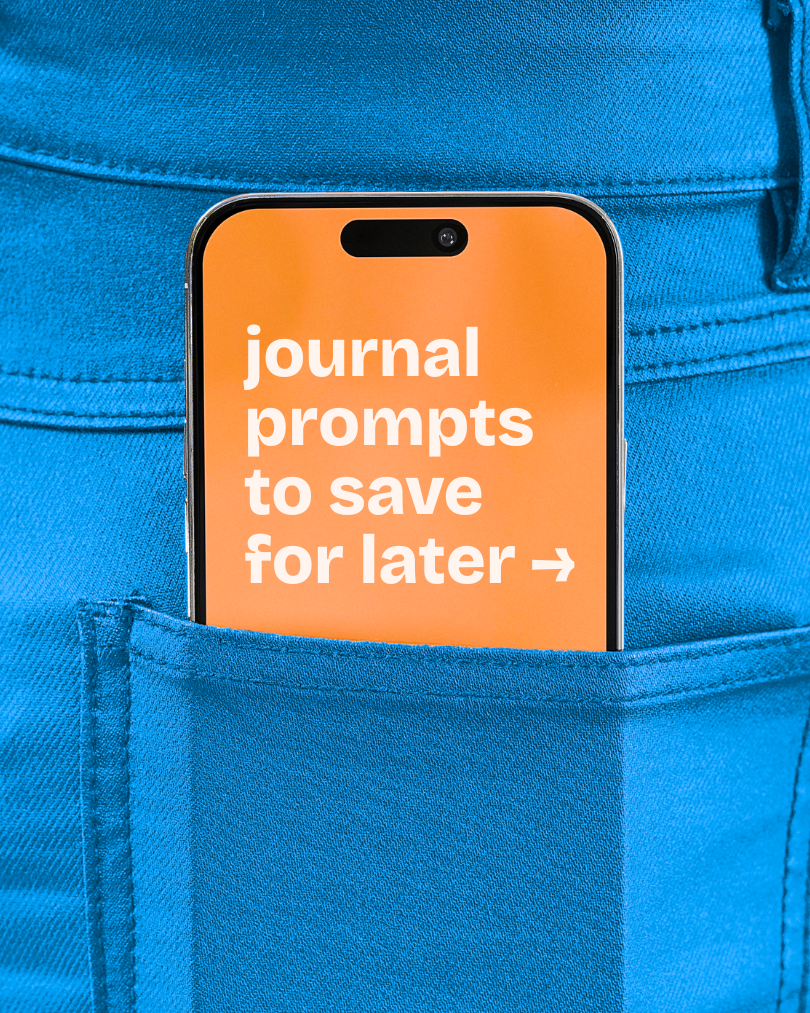 Image 2 of 8
 Image 3 of 8
 Image 4 of 8
 Image 5 of 8
 Image 6 of 8
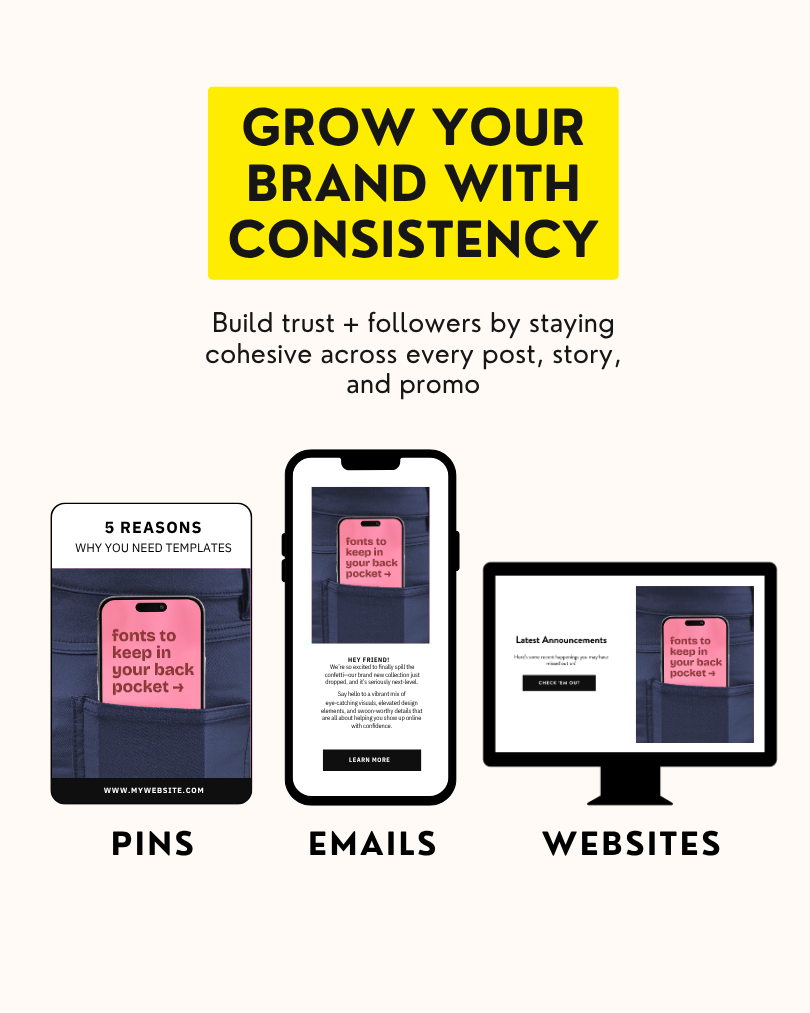 Image 7 of 8
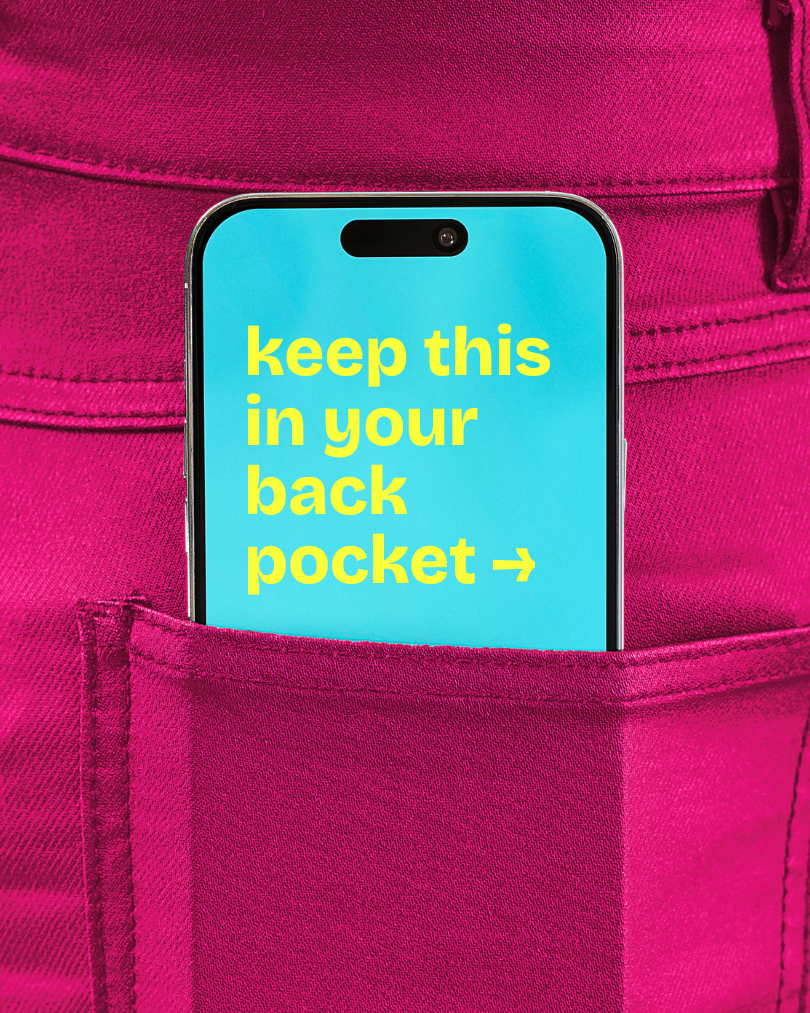 Image 8 of 8
-
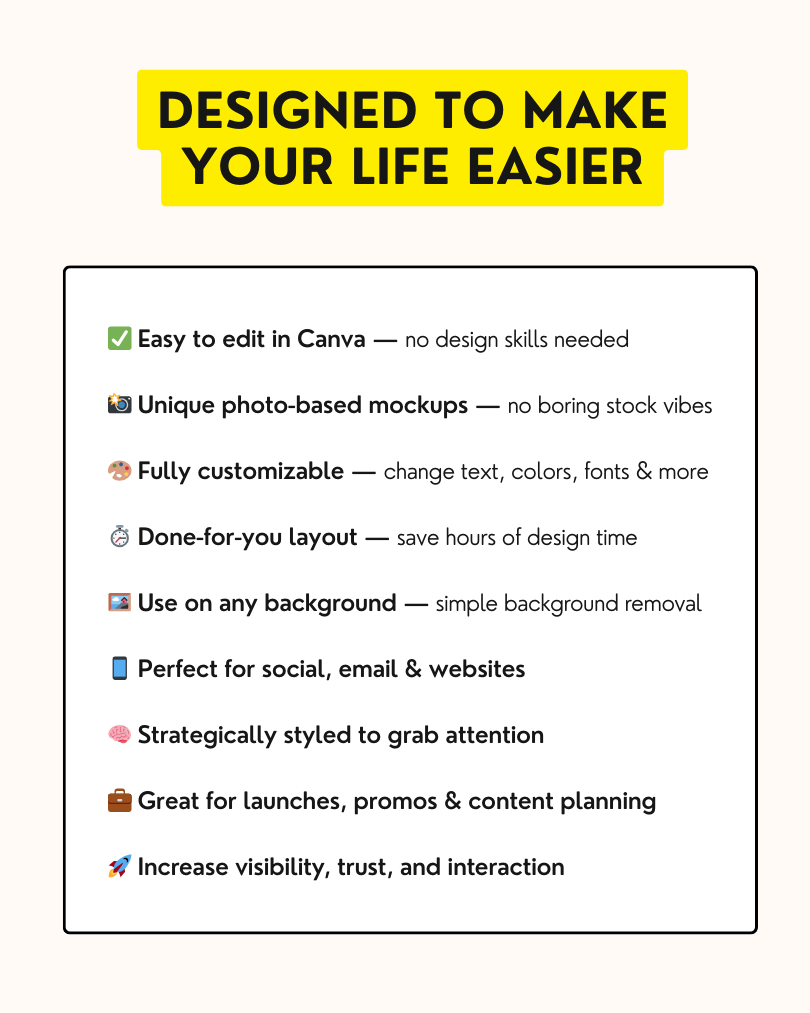
Nope — a free Canva account works just fine. Some premium Canva fonts or elements you add yourself may require a Canva Pro account, but the template itself is fully usable for free.
-
You'll receive a link to the Canva template immediately after checkout. Click it, log into your Canva account, and select "Use template" — it opens straight into the editor, ready to use. This bundle also comes with PNG files that you can use without Canva.
-
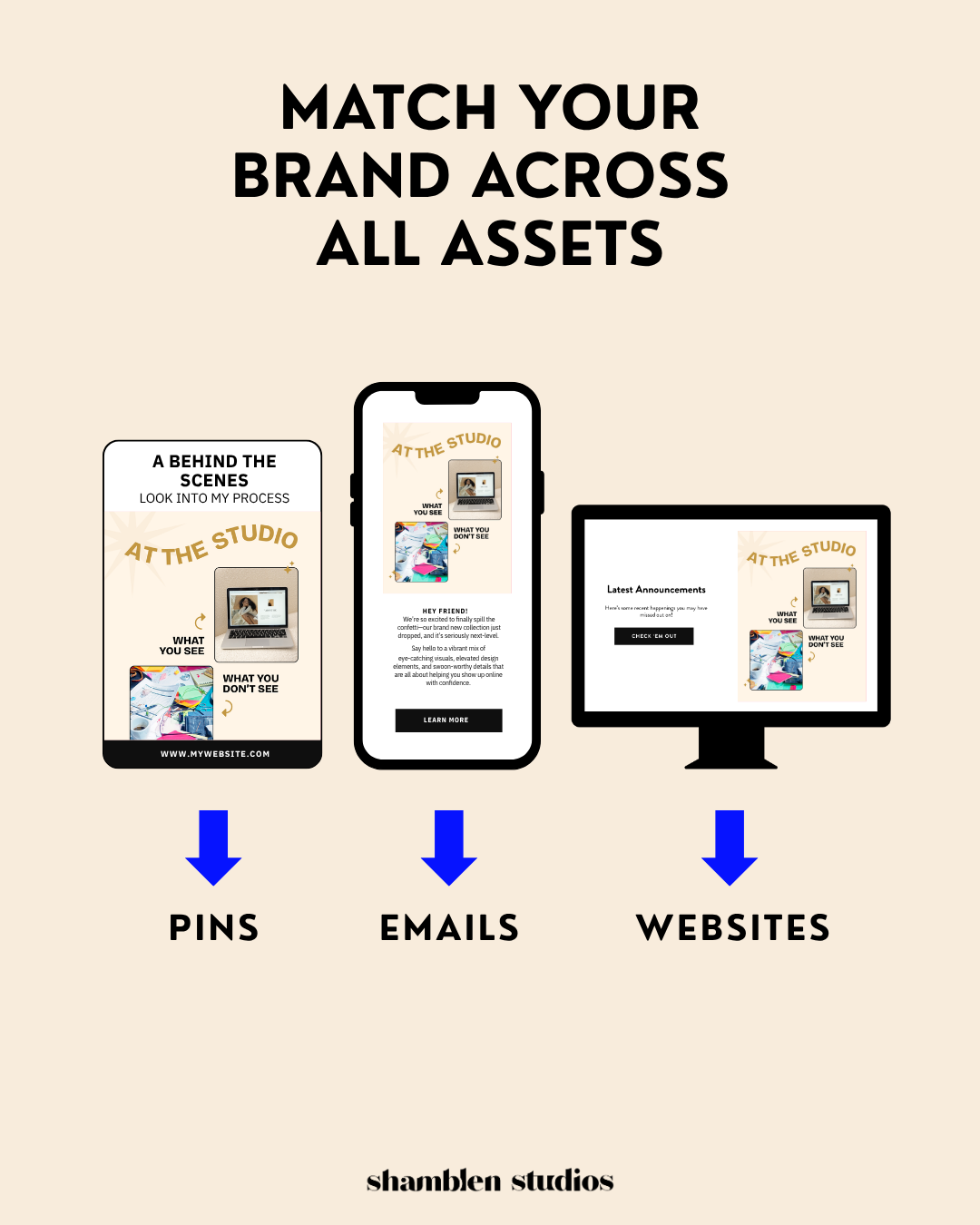
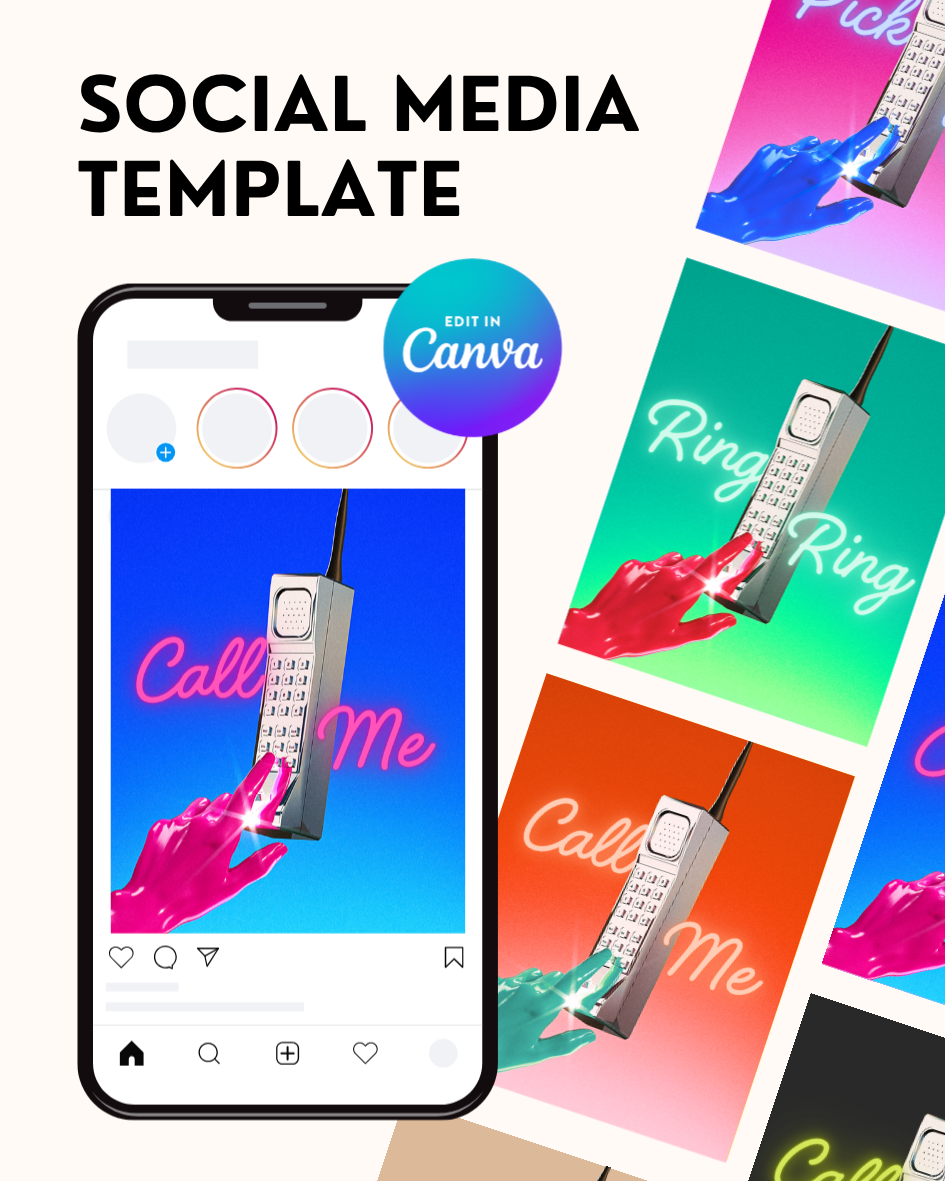
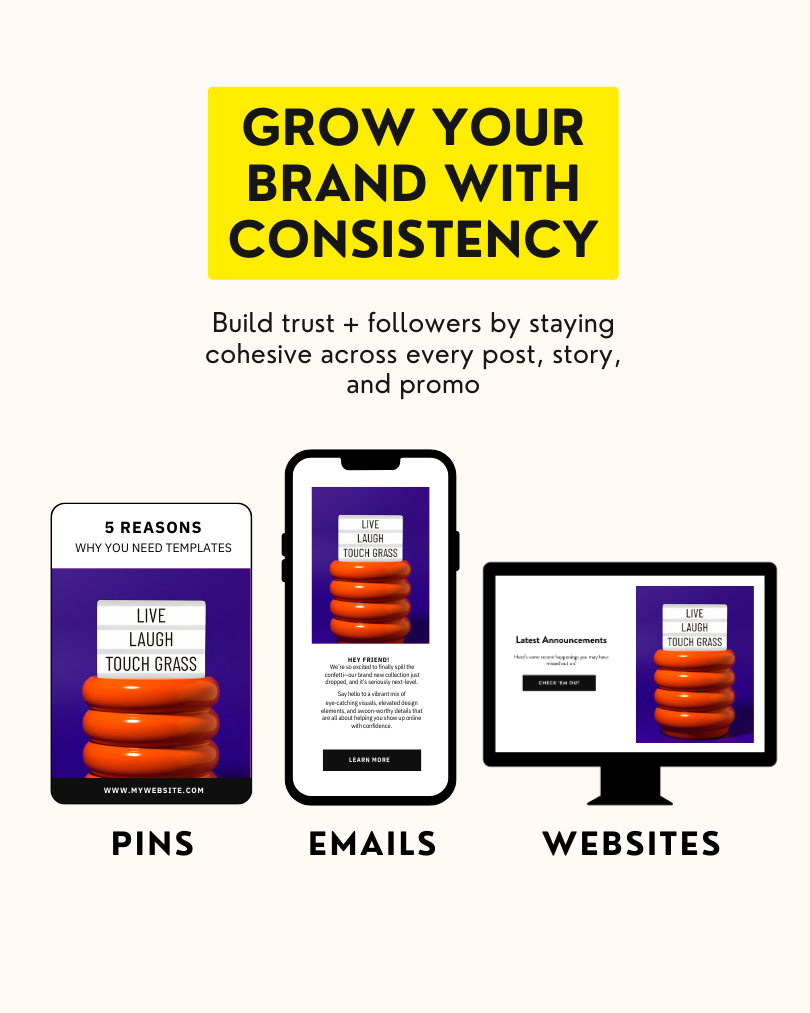
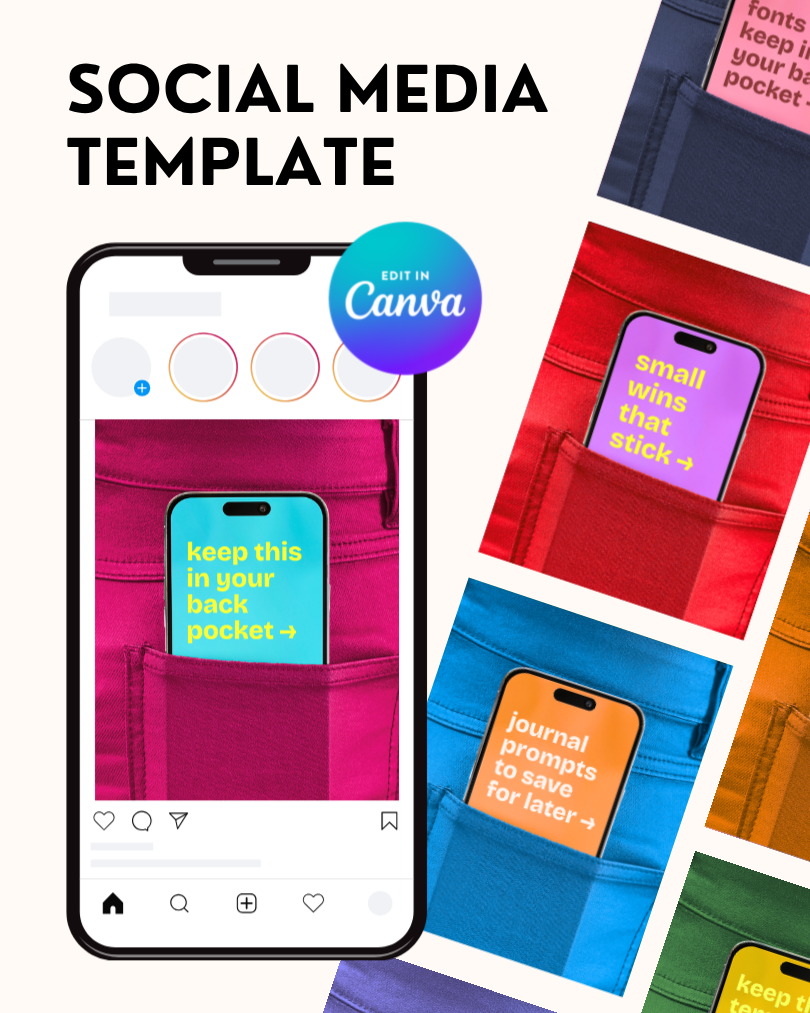
These templates have various ratios, and can be used for anything from Instagram to TikTok, to Pinterest pins and blog graphics.
-
Yes — your purchase includes a commercial use license, so you can use these templates for client content, branded posts, and paid projects. No attribution required. The only restriction is that you can't resell or redistribute the template itself.
-
Unlimited times. One purchase, endless posts. Use it for as many pieces of content as you want — different hooks, different campaigns, different clients.
-
The Shamblen Studios membership gives you unlimited downloads of the full template library — saving you 75%+ compared to buying individually. Worth it if you're creating content regularly.