9 Instagram Post Ideas That Take 5 Minutes in Canva
Everyone's saving post inspo on Pinterest and then staring at a blank screen in Canva… these 10 ideas skip the blank screen part ;)
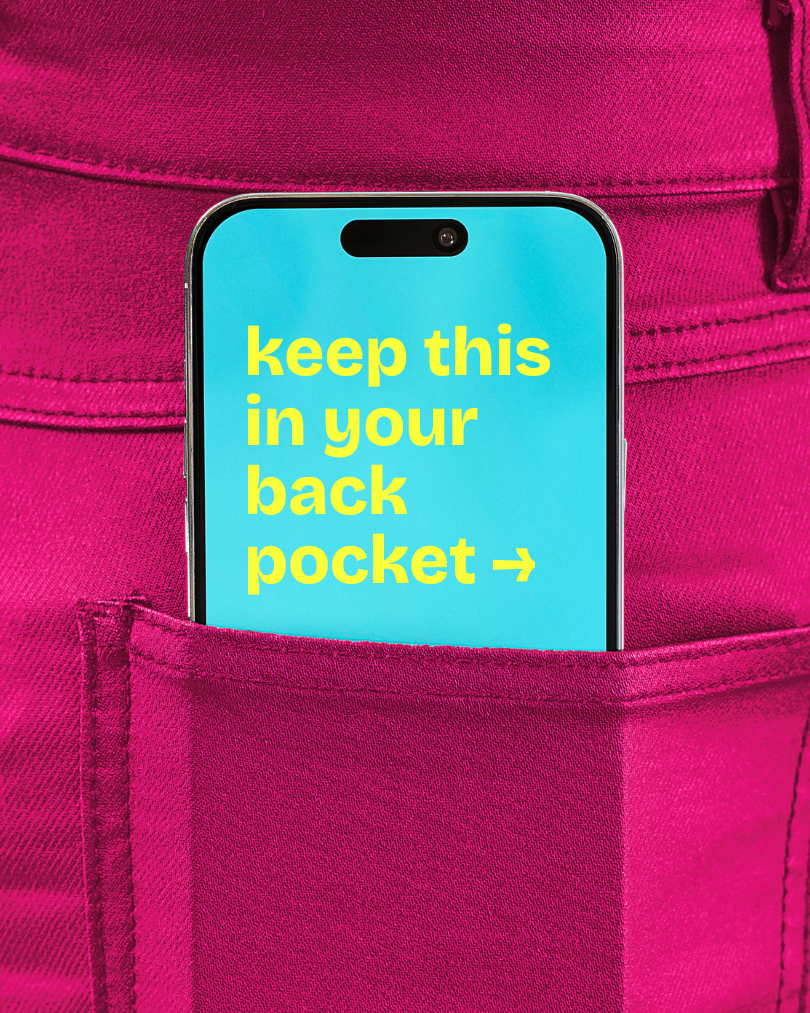
1. The Phone Screen Hook
This is the one that looks like you put a lot of effort in but took you five minutes. You type a phrase (can be a hook, a hot take, or a relatable one-liner) and it shows up on an iPhone screen held casually in someone's hand. It's weirdly versatile. Use it as a standalone post, a carousel opener, a caption that becomes the visual. The text does the work. The mockup makes it look intentional.
Works for: coaches, small businesses, content creators, literally anyone who has ever had a thought worth sharing.
2. The Hot Take Text Post
Pick an opinion your audience actually has but hasn't seen said out loud. Not controversial for the sake of it — just specific enough to make someone go "okay yes exactly." Put it on a clean background with good typography and post it. No photo needed. These get saved because people want to come back to them, and they get shared because people want their followers to see them too.
The key is specificity. "Consistency is hard" is not a hot take. "Posting every day when you have no idea what you're doing just means posting bad content every day" is a hot take.
3. The Before/After Carousel
Show a transformation. It doesn't have to be dramatic! A messy desk to a clean one, a rough draft caption to the final version, a bad flat lay to a good one. People are obsessed with process. The before/after format works because it creates instant curiosity in the first slide ("wait, what does after look like?") and payoff in the last.
First slide needs to do the heavy lifting. If the before isn't specific enough to be interesting, nobody swipes.
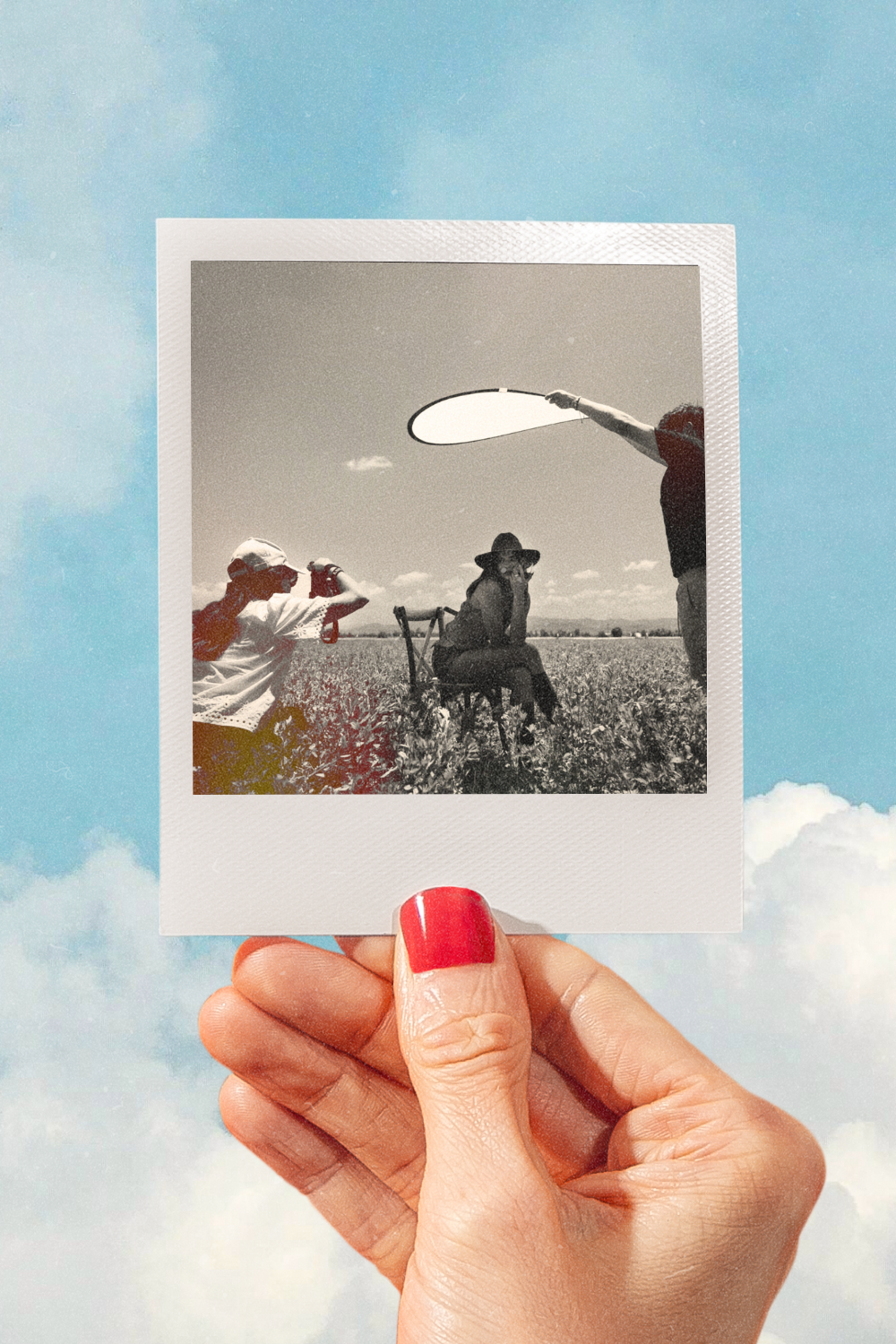
4. The Behind-the-Scenes Dump
A casual photo dump of what your actual workday looks like… not the curated version. The coffee that went cold. The seventeen browser tabs. The stack of things you meant to deal with two weeks ago. People follow people they feel like they know, and this format builds that faster than anything polished.
Low effort, high connection. Post it on a Friday when you have nothing else ready.
TIP: drop your photo into a polaroid for an aesthetic vintage touch… I have it available for free below :)
5. The Tutorial Carousel
Pick one thing you know how to do that someone else doesn't. Break it into 5-7 steps. Each slide is one step. Last slide has a CTA. This format gets saved more than almost anything else because it's genuinely useful — people bookmark it to come back to.
The trap is making it too broad. "How to grow on Instagram" is not a tutorial… but "How I write a caption in under 10 minutes" is a tutorial.
6. The Aesthetic Mood Board
A collage of images, colors, and textures that represent a vibe. No words necessary. These get saved constantly because people use them for their own inspiration boards, which means your content lives in their saved posts indefinitely. Great for brand awareness, great for staying in the algorithm, great for when you genuinely don't have anything to say but still want to post.
Canva's collage templates make these fast. Pick a color palette, pull 4-6 images that feel cohesive, done.
7. The Relatable Meme Format
Not a meme you found and reposted, but a meme format applied to your specific niche. The "expectation vs. reality" format. The "nobody: / me at 2am:" format. The Drake pointing one. Apply it to something your specific audience will see themselves in and laugh. These get shared. Shares are the metric nobody talks about enough.
Keep it niche-specific. A generic meme is just noise. A meme that makes your exact audience go "why is this so accurate" is content.
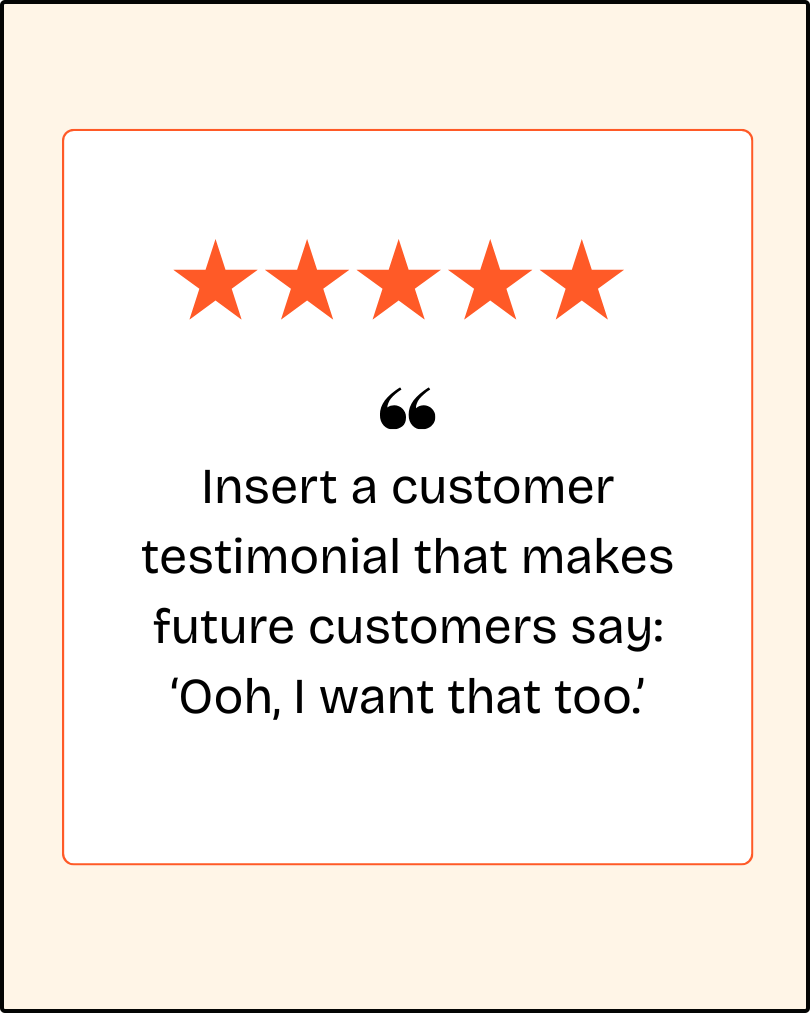
8. The Client Result or Testimonial Visual
Take a real result or testimonial and make it a graphic instead of just posting it in your caption. Pull a direct quote, put it on a clean card, add minimal context. "She made her first sale the week she started using these templates" hits differently as a visual than buried in paragraph four of a caption.
Social proof as content. One of the most underused formats in small business Instagram.
9. The This or That
Two options. Your audience picks one. Simple, fast to make, easy to engage with. Works best when the options are specific to your niche and actually debatable — not "coffee or tea" (boring) but "posting at 9am or 9pm" or "Canva or Adobe" or "batch content or post daily." The comment section does the rest.
How to Actually Use These
Saving this post and doing nothing with it is not a strategy. (We've all been there. No judgment. But still.)
Pick one format from this list. Just one. Make it this week. The phone screen hook is the easiest starting point if you're stuck… you literally just need one good line and the template does the rest.

Hi, I'm Amy — the person behind this post!
I'm a creative director who's made things look good for brands like PepsiCo, Too Faced, and Dunkin'. These days I channel that into Canva templates for small business owners who have better things to do than spend three hours on a single Instagram post. If you want to try them yourself, grab your free drag-and-drop Canva templates below:
Get the free templates →